This post is the second and concluding part of an earlier one covering Presentation Skills as one of the key components in the repertoire of a Product Manager.
Here, I would continue outlining aspects that shall help in making impactful presentations (points 1 to 6 were covered earlier):
7. Brevity: One should bear in mind that a presentation is poles apart from a word document, so the words chosen should be concise. This approach shall allow the presenter to be the ‘hero’ and would ensure that the presentation (however powerful it might be) is just a tool to convey the intent. At the same time, one should ensure that while presenting any graph/ chart, there is a box/ callout explaining what is being shown with reasons where feasible.
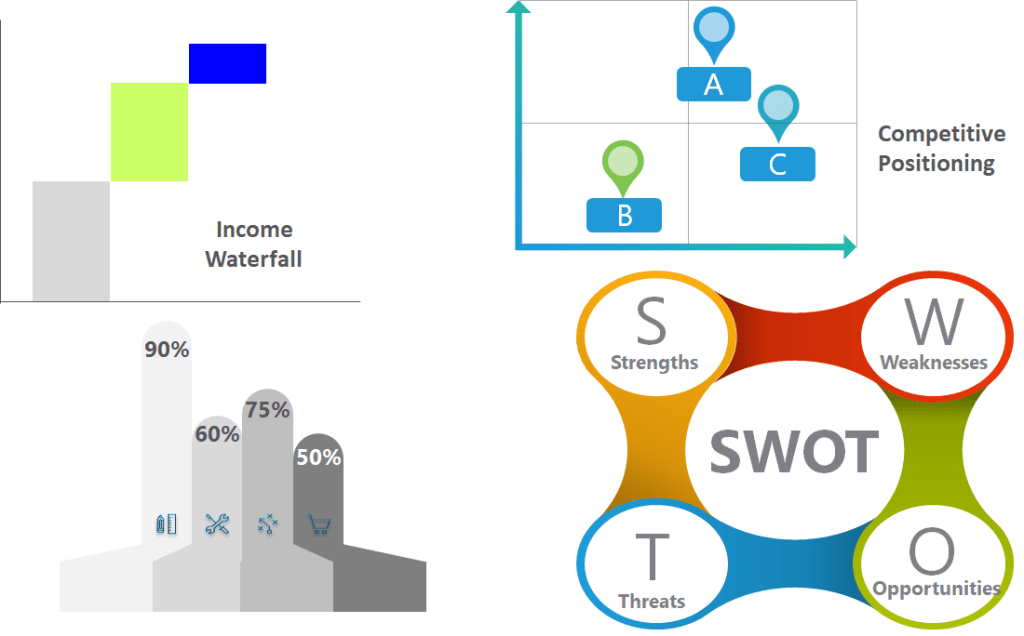
8. Usage of non – standard templates/ graphs: While powerpoint itself has a comprehensive collection of SmartArt images and various charts, in order to stand out, at times, being creative helps. This is especially so in case of Client Pitchbooks/ Company Offsite presentations, while in case of Senior Management Reviews, the organisation’s culture and individual preferences decide this. There are a number of resources available for the enterprising and I have mentioned some at the end of this article.
9. Finer nuances: Some of these include: i) View – Gridlines/ Guides: It is a good practice to turn Gridlines and Guides under ‘View’ tab ‘on’ while making a presentation. This ensures that one is aware of the exact positioning of the images/ objects used in the slides and one can place contents at an optimal location on the slide; ii) Slide Master: If one wishes to keep some content common across all slides, Slide Master is the option to use. A use case could be using an Organisation’s logo/ key image throughout the presentation; iii) Hyperlink: In case one doesn’t have enough space to cover a point in detail, a hyperlink can be placed with details on a linked slide that one can refer to time permitting; iv) Insert – Object: This feature helps in placing a document/ file on the slide that may be referred while presenting. A spreadsheet containing detailed calculations while the Summary is presented on the body of the slide is an example of applying this.
10. Formatting/ Labelling/ Color combination: An under-rated aspect of preparing presentations is the attention given to ensure uniform formatting/ labelling/ Color combination throughout the presentation. This is crucial to ensure the presentation retains its professional punch and achieves the desired impact. This activity might take a long time sometimes; however, it is worth the effort.
11. Preparing for questions: One should keep enough backup slides (under Appendix section) to address all possible questions likely to be asked during the presentation. Depending upon the audience, these could vary from list of client mandates/ pipeline in case of a Business Review (where the key ones are presented) to month – on – month projections while launching a new Product/ Service (while year – on – year numbers are shown).
Perhaps as important as the preparation of the presentation is the actual delivery, to ensure the desired objectives are met. Would share some aspects on that in a separate post later…
Impactful presentations are the ‘icing on the cake’ for a Product Manager – the core comprises expertise around multiple areas that I shall be touching upon starting with my next post. Keep reading this space!
Resources: The following are useful for preparing standout presentations:
- Books:
- ‘Say it with presentations’ by Gene Zelazny (Director of Visual Communications, McKinsey & Company)
- ‘Say it with charts’ by Gene Zelazny
2. Websites:
(Note: This is not an endorsement for using any paid service anywhere).
 Product Management Toolkit